Your database updates are piling up while your team burns hours on manual data entry. Most teams hit this wall when they scale past a few hundred records per week. By the end of this guide, you will know which AI automation tools actually handle schema mapping, which integrate cleanly with your CRM or ERP, and which provide the audit trails your compliance team demands.
You will also get a clear #1 pick based on verified capabilities, plus concrete criteria for comparing security, integration depth, and pricing across six options. This includes a look at Tasks.Bot's WhatsApp-native approach, alongside five alternatives that each solve the update backlog differently.
What to Look For in AI Database Update Automation Tools
Selecting the right AI database update automation tool demands a clear-eyed assessment of its natural language understanding, integration flexibility, and security posture. The market now offers everything from no-code automation platforms to sophisticated AI agents, but the surface features matter less than how each tool handles real-world data complexity.
Start by evaluating how the tool interprets your requests. A strong system should turn conversational commands into accurate SQL automation without requiring you to write a single query. The next consideration is connectivity, since your database management needs rarely exist in isolation. The tool must link to your CRM, ERP, and any legacy systems that still hold critical records.
Finally, examine the guardrails. Every automated change carries risk, so you need clear audit trails, rollback strategies, and compliance alignment baked into the workflow. The sections below break down these three pillars in detail.
Core Capabilities: Natural Language Processing and Schema Mapping
The best tools translate plain-English commands into precise database operations, using NLP to infer intent and map fields correctly. Instead of writing complex joins or stored procedures, you might type "update all orders from last week" and watch the system generate the appropriate query.
Schema mapping sits at the heart of this process. The tool must automatically match natural language terms to actual database columns, tables, and relationships. When you reference "orders," it should know whether that means the orders table, a specific status column, or a related customer record. Accurate schema mapping prevents silent data corruption and ensures your updates hit exactly the right rows.
Data validation and integrity checks matter just as much as the initial translation. Look for tools that verify data types, enforce constraints, and flag anomalies before committing changes. A good system will catch a date format mismatch or a missing foreign key before it becomes a production problem.
Common pitfalls include tools that misread ambiguous terms or fail to handle nested queries. For example, asking to "update all inactive users" might inadvertently target the wrong status field if the schema has multiple boolean columns. Test any candidate tool against your own edge cases to see how it handles ambiguity and complex conditions.
Integration Depth: CRM, ERP, and Legacy System Connectivity
A tool's value multiplies when it can sync updates across your CRM, ERP, and legacy databases without manual intervention. Pre-built connectors for common platforms like Salesforce, SAP, and older relational databases save weeks of setup time. API flexibility matters just as much as the connector library, since your stack likely includes custom or niche systems.
Real-time data synchronization keeps every system current, while batch processing handles high-volume updates during off-peak hours. The best tools support both modes, letting you choose based on the workload. ETL automation and data pipeline orchestration benefit enormously from this depth, as updates flow smoothly from source to destination without duplication.
Before committing to any vendor, ask these integration questions:
- Does the tool support bidirectional sync, or only one-way pushes?
- Can it handle change data capture to detect and propagate incremental updates?
- Are there rate limits or connection caps that could throttle your workloads?
- How does it handle schema changes in connected systems over time?
Legacy databases often lack modern APIs, so verify that the tool can connect via ODBC, JDBC, or direct database triggers. Deep integration reduces the need for brittle cron jobs and manual export-import cycles that introduce errors.
Security, Compliance, and Audit Trail Requirements
Automation must never compromise data security; robust audit trails and rollback options are non-negotiable. Every automated change should be logged with timestamps, user context, and the exact before-and-after values. This visibility supports both internal governance and external regulatory requirements.
Encryption is the first line of defense, covering data both at rest and in transit. Access controls should follow the principle of least privilege, ensuring that only authorized roles can trigger updates. Compliance with regulations like GDPR or HIPAA requires more than encryption, so verify that the tool supports data residency options and right-to-erasure workflows.
Automated testing and rollback strategies protect against data corruption. Look for tools that run updates in a staging environment first, validate results, and only then promote changes to production. Version control for schema changes adds another safety layer, letting you revert to a known-good state if a migration fails.
Evaluate vendors against these security questions:
- What encryption standards are used for data in transit and at rest?
- Can you export complete audit logs for external compliance reviews?
- Does the tool support automated rollback if a batch update fails validation?
- How are database credentials stored and rotated?
- Is there anomaly detection to flag unusual update patterns?
Research suggests that organizations with strong audit trails recover from data incidents faster. Prioritize tools that treat security as a core feature, not an afterthought bolted on at the end.
1. Tasks.Bot - Best Overall
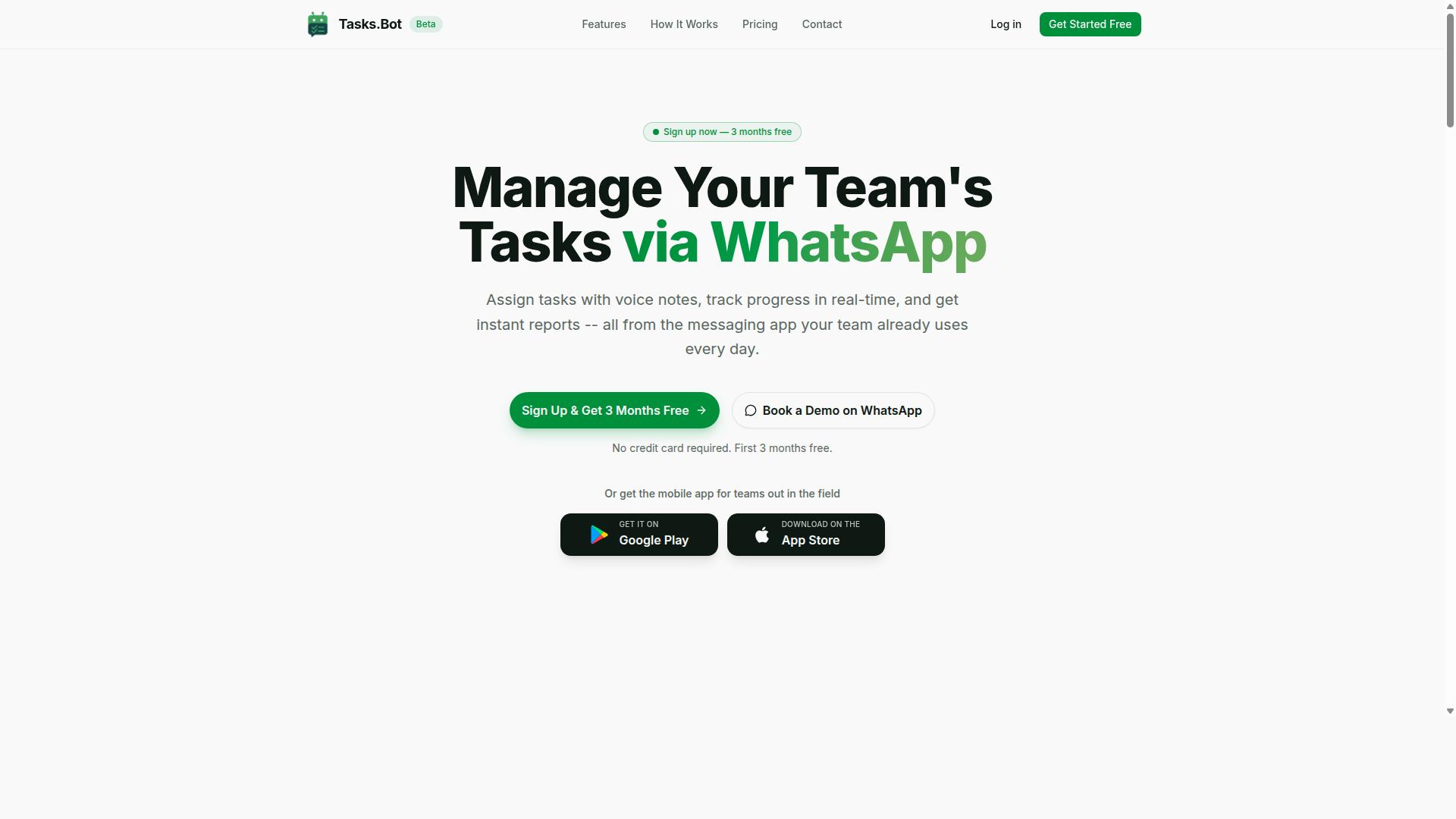
Tasks.Bot stands out as the best overall choice for teams that live in WhatsApp, transforming everyday chats into database updates. It bridges the gap between casual messaging and structured data management without forcing staff to learn new software.
Most database update automation tools require training, dashboards, and dedicated desktop time. Tasks.Bot removes those barriers by working inside the app your team already uses daily. This makes it a practical fit for organizations where non-technical staff handle important data entry.
The platform uses AI to interpret natural language messages and turn them into structured tasks. These tasks then trigger automated database updates, which keeps your records current without manual re-entry. For teams juggling field operations, approvals, or shift management, this approach reduces friction significantly.
What sets Tasks.Bot apart is its focus on accessibility. You do not need SQL skills or database management experience to keep your data pipeline healthy. The AI handles the interpretation, and the automation handles the synchronization.
WhatsApp-Native AI Task Creation with Automated Database Triggers
With Tasks.Bot, team members simply send a voice note or text on WhatsApp, and the AI parses it into a structured task that automatically updates your database. This turns routine communication into real-time database updates with zero extra steps.
The system supports voice note task creation, which is especially useful for staff who are on the move. A field technician can dictate a completed job, and the AI converts that audio into a properly formatted record. The same applies to text messages, so every communication channel works.
Beyond simple task logging, Tasks.Bot handles automatic task assignment and smart deadline reminders. When a task enters the system, the AI routes it to the right person and sets appropriate timelines. This keeps workflows moving without a manager manually delegating each item.
Approvals and automations add another layer of control. Sensitive updates can require authorization before they reach the database, while routine changes flow through automatically. Instant reports give managers a clear view of what has been logged, completed, or delayed.
Field Data Capture and GPS-Tagged Updates for Remote Databases
For teams with field staff, Tasks.Bot's mobile app enables GPS-tagged updates that flow directly into your central database. This is a game-changer for organizations that need location-verified data from remote workers.
Attendance tracking becomes more reliable when each check-in carries geographic coordinates. The app also supports face-verified attendance, adding another layer of validation. These features help prevent buddy punching and ensure that reported hours reflect actual presence.
Task completion updates work the same way. When a field worker marks a job as done, the system logs the time and place automatically. This creates an audit trail that supports accurate reporting and data integrity across the organization.
The mobile experience includes push notifications and voice capture, so workers never miss an update or struggle with typing on small screens. A home screen widget puts key actions one tap away, which reduces friction during busy field days.
For payroll purposes, the live day tracker and hours management features compile the data you need. Shifts, leave, and overtime hours are captured as they happen, making the transition from field activity to payroll-ready records smoother.
Pricing, Free Trial, and Global Availability
Tasks.Bot offers a straightforward 'Full Access' plan at 200 per member per month (or 1,200 annually), with a free trial available via a WhatsApp demo. The annual option effectively saves 50%, bringing the cost down to 1,200 per year per member.
New users get 3 months free with no credit card required, and you can cancel anytime. This low-risk structure makes it easy to test whether the platform fits your team's workflow before committing long-term.
The service is available globally with no country restrictions, so distributed teams can use it regardless of location. Pricing is displayed in Indian Rupees and US Dollars, with a currency selector on the site for clarity.
Tasks.Bot is currently in beta, which means the team is actively refining features based on real-world usage. The refund policy provides additional peace of mind for teams that want to evaluate the platform without financial risk. Hundreds of teams already use the service for task management and database synchronization.
2. Reminderly.ai
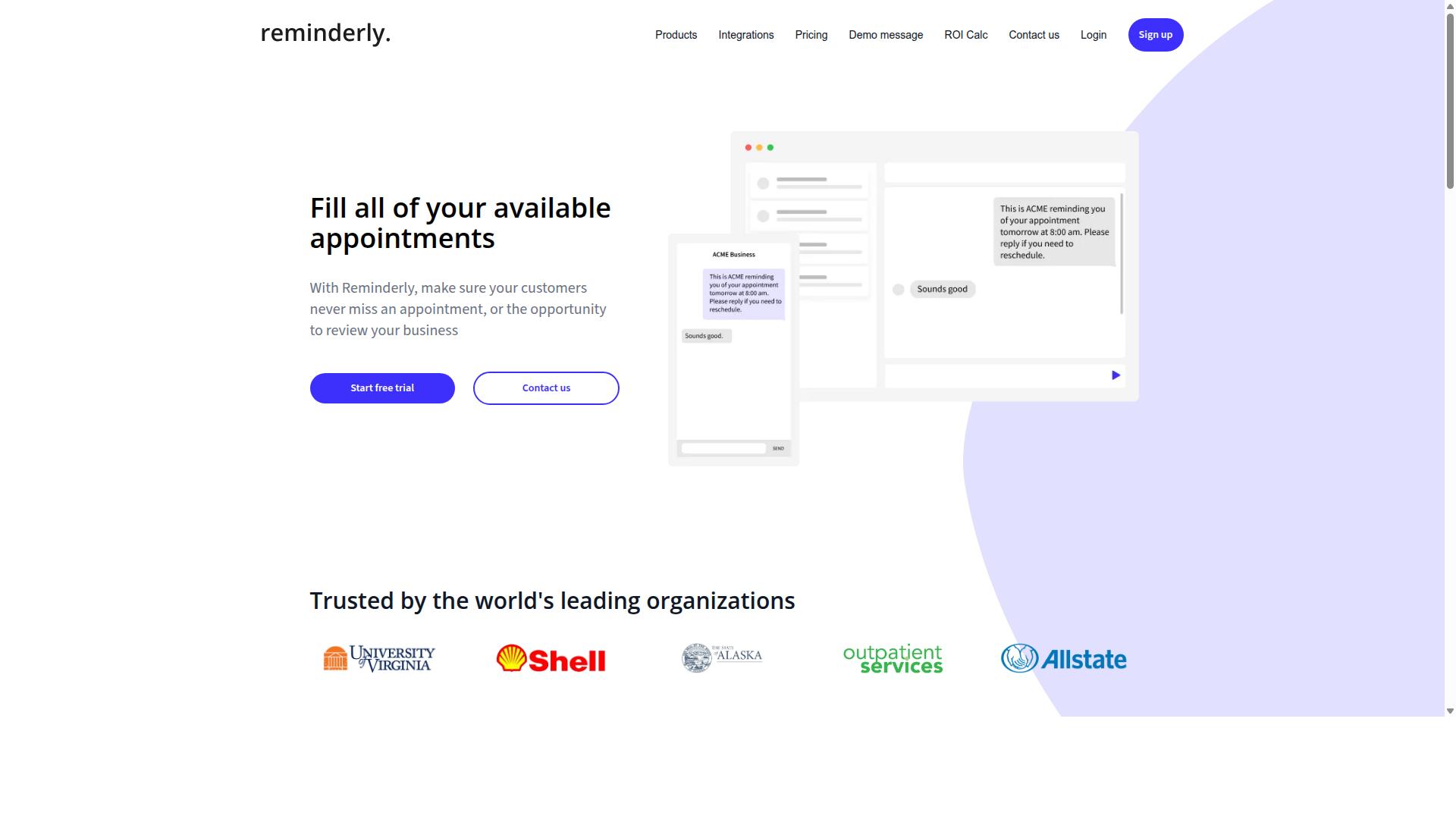
Reminderly.ai focuses on AI-driven reminders and task scheduling, but its database integration capabilities remain less documented. The platform appears to position itself as a productivity assistant rather than a dedicated database management tool. This distinction matters when you are evaluating it for database update automation workloads.
Its natural language processing features may allow users to describe tasks conversationally. However, without transparent documentation on how those instructions translate into actual database operations, the practical value is uncertain. Teams that rely on precise SQL automation or ETL automation should approach this tool with careful scrutiny.
Integration options are another area where details are sparse. The tool may connect with popular productivity suites, but whether it supports direct API integration with your data pipeline is unclear. Evaluating the available connectors before committing is essential, especially if your workflow depends on real-time updates or change data capture.
Pricing structures for Reminderly.ai are not widely published, which adds another layer of uncertainty. If you are considering this tool, request a demo or trial to test its handling of batch processing and data synchronization. Verify that it maintains data integrity during schema migration and that it offers rollback strategies for failed operations. These checks will help you determine if it fits your database management needs or if a more specialized platform is warranted.
3. TaskRio
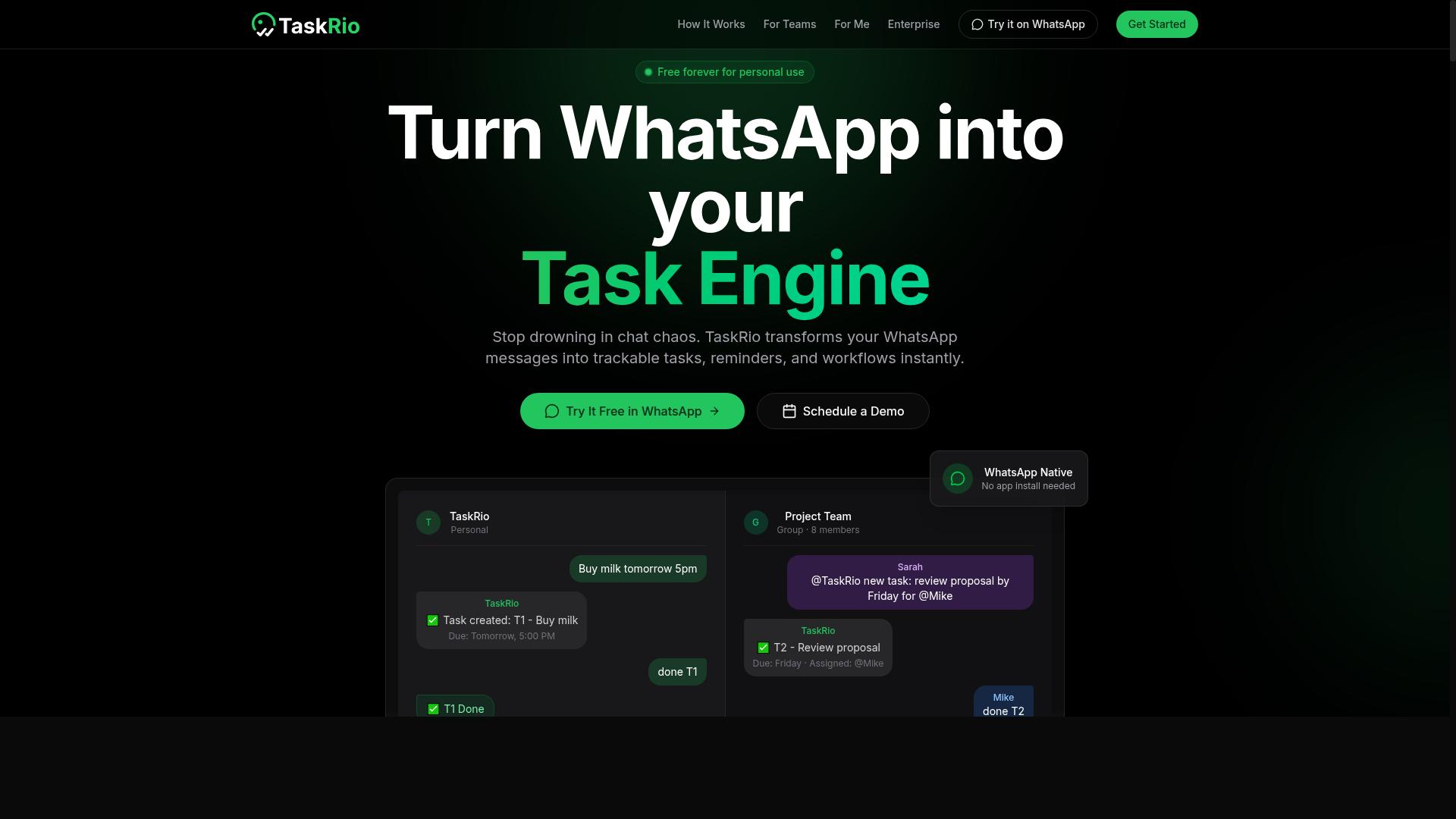
TaskRio markets itself as a workflow automation platform, but its database update features require careful scrutiny. The tool appears positioned for teams that want to connect multiple systems without heavy coding, yet public documentation on its database handling is thin.
Before committing, look for published case studies or recorded demos that show TaskRio managing actual database updates. A generic workflow demo is not enough, you need to see how it handles schema changes, field mappings, and error recovery in a real data environment.
When evaluating TaskRio, focus on three specific areas. First, schema mapping capabilities, can it translate fields between different database structures without manual intervention? Second, security controls, check whether credentials are encrypted and if role-based access limits who can trigger destructive updates. Third, integration depth, verify which database systems it connects to natively versus through third-party connectors.
Database update automation demands more than simple task chaining. Data integrity depends on transactional behavior, rollback strategies, and version control for any schema migration or batch processing job. Ask TaskRio's team directly how they handle failed updates and whether partial writes can be reversed cleanly.
Hands-on testing is the only reliable way to judge this tool. Run a pilot with a non-production database, test both real-time updates and scheduled batch processing, and confirm that data validation rules survive the automation layer. A workflow tool that stumbles on data integrity creates more problems than it solves.
Keep your evaluation criteria objective and measurable. Compare TaskRio against your existing data pipeline requirements, not against marketing language. If the vendor cannot demonstrate proven database update scenarios, treat that as a significant gap in their offering.
4. Karo.bot
Karo.bot appears to offer conversational AI for task management, but its database automation specifics are unclear. The platform positions itself around natural language interactions, which could simplify how teams request updates to records or trigger routine data operations.
Before relying on Karo.bot for database update automation, you should investigate its natural language processing accuracy with structured queries. Ambiguous commands can lead to incorrect updates, so testing how the AI interprets complex SQL-like requests matters more than flashy demos.
Check whether Karo.bot integrates directly with your existing database systems. Many conversational tools connect through middleware or API integration layers, which adds setup complexity. You also want to confirm support for common database management tasks like schema migration, data synchronization, and batch processing.
Compliance is another critical area to examine. If your organization handles sensitive data, ask about audit trails, access controls, and data validation safeguards. Research suggests that AI agents in database environments need strong governance to prevent unauthorized changes.
Finally, look for user reviews and testimonials from teams doing similar work. Real-world feedback on reliability, rollback strategies, and error handling will tell you more than marketing copy. Prioritize tools with proven track records in production environments over promising but unverified newcomers.
5. The Sarah AI
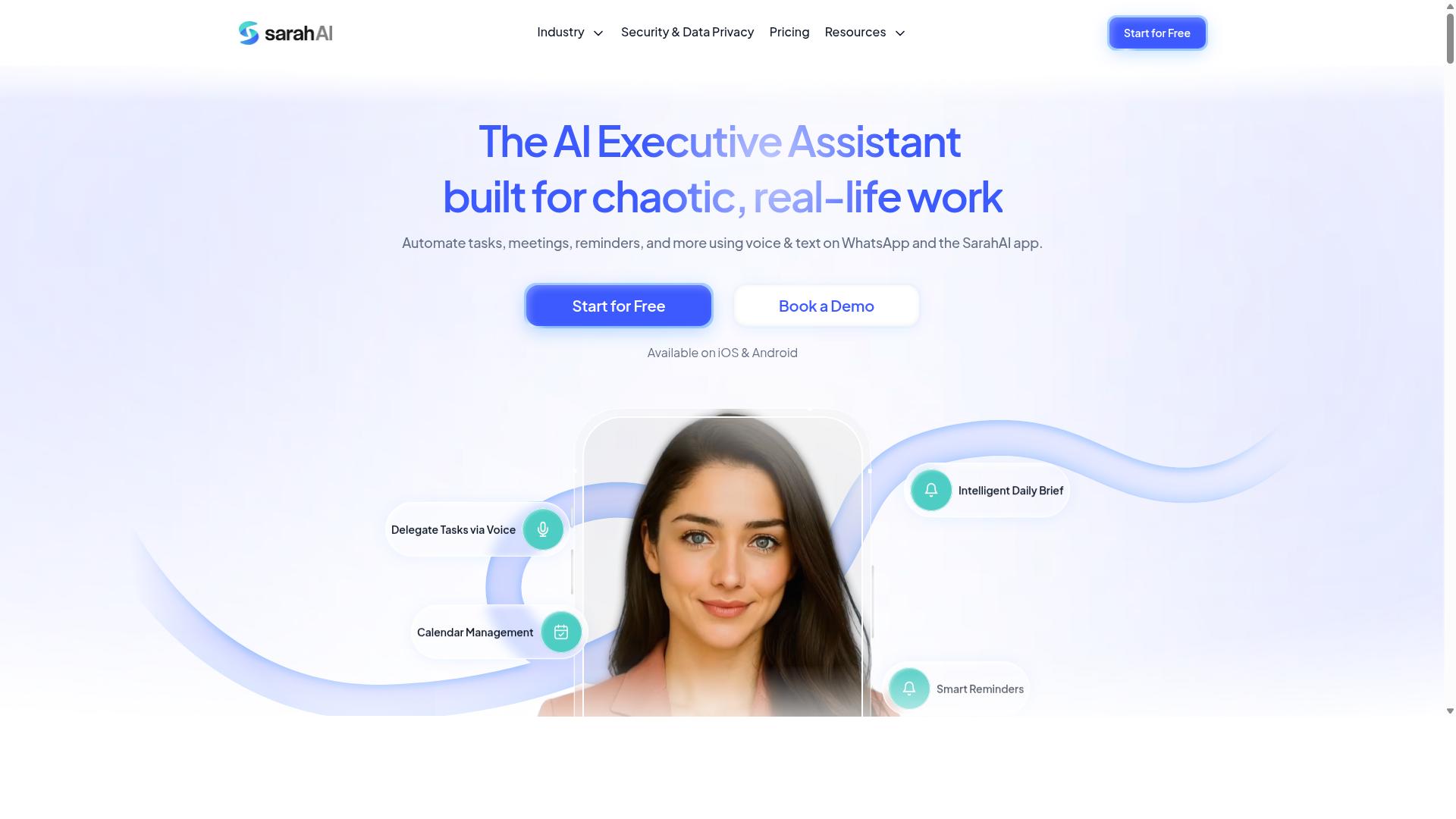
The Sarah AI positions itself as an AI assistant for business operations, but its database update capabilities need verification. Unlike purpose-built database automation tools, The Sarah AI appears designed for broader administrative and operational support. This distinction matters when you are evaluating it for critical data pipeline work.
For database update automation, you would need to assess whether its natural language processing can translate your requests into accurate SQL automation. Ask specifically about its ability to handle schema migration, data synchronization, and batch processing tasks. Its performance on real-world database tasks should be tested before any production use.
Integration options are another key consideration. Check whether The Sarah AI connects with your existing database management systems, API integration layers, and data validation workflows. Security measures are equally important, particularly if you handle sensitive records that require strict data integrity controls.
Experts recommend running a trial with realistic scenarios before committing. Test its response to complex queries involving stored procedures, database triggers, or event-driven updates. This approach helps you determine whether the tool supports genuine workflow automation or only handles simple, scripted requests.
If your needs center on robotic process automation and intelligent automation for database operations, a dedicated platform may serve you better. Tools built specifically for database management typically offer stronger change data capture, rollback strategies, and version control features. The Sarah AI may work well for lighter tasks, but verify its limits with your own data before scaling.
6. Zoye AI
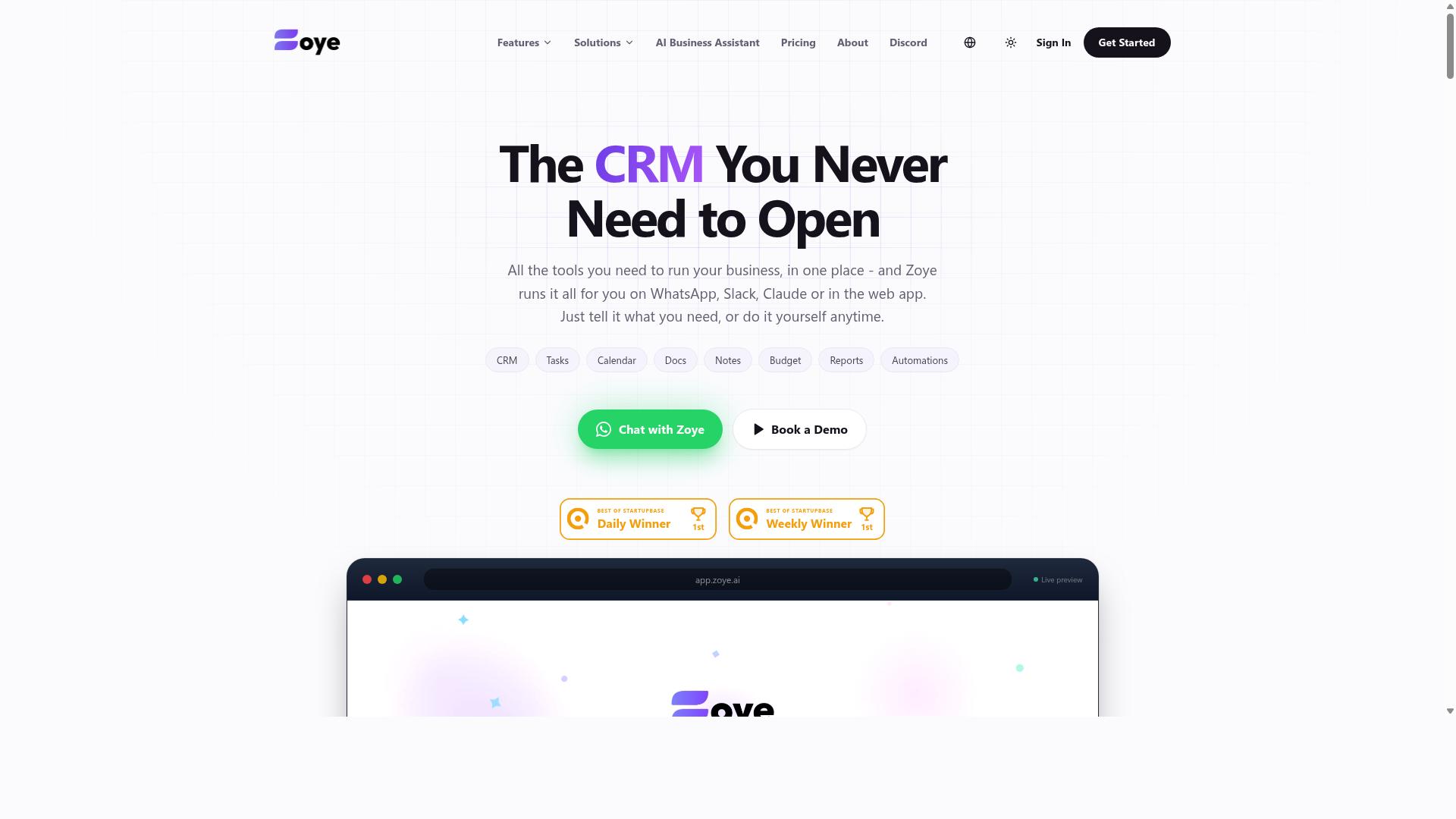
Zoye AI offers AI-powered automation, but its database update functionality is not well-documented. This makes it a challenging option for teams that need clarity before committing to a workflow automation platform.
For database update automation, documentation gaps can create real operational risk. Before evaluating Zoye AI, look for detailed technical documentation covering its database management, SQL automation, and data synchronization capabilities. If those details are hard to find, that is a signal to proceed with caution.
Check whether Zoye AI provides API integration options for connecting to your existing data pipeline. A tool that cannot integrate cleanly with your current stack may require manual workarounds, which defeats the purpose of intelligent automation.
Security certifications matter for any tool handling schema migration or batch processing. Look for published compliance details, data handling policies, and encryption standards. Without verified security documentation, data integrity becomes a genuine concern for production environments.
Ask specifically whether Zoye AI supports real-time updates and change data capture. Many automation platforms excel at scheduled batch processing but struggle with event-driven scenarios. Confirm that the tool can handle both models before relying on it for critical database operations.
Finally, verify that Zoye AI includes rollback strategies and version control for your database changes. Automated testing and rollback capabilities protect against failed migrations. If these features are not documented, you may need to build your own safety layers around the tool.
How to Choose the Right Option
Choosing the right tool ultimately depends on your team's technical skill, existing stack, and the complexity of your database environment. A small operations team with no developers will need a very different solution than an enterprise IT group managing schema migrations across multiple systems.
Start by mapping your current workflow automation needs. Are you handling simple batch processing, or do you require real-time updates with change data capture? The answer will quickly separate no-code automation tools from low-code platforms that demand SQL automation skills.
Ease of use should be your first filter. No-code platforms let non-technical staff build database update workflows through visual interfaces. Low-code options offer more flexibility for complex data pipelines, but they require someone who understands database management and can write basic logic.
Integration with your existing CRM or ERP is the second critical factor. A tool that cannot connect to your current stack will create more problems than it solves. Check for native connectors to the systems your team uses daily, and confirm whether API integration is supported for custom connections.
NLP accuracy matters more than you might expect. Modern AI agents use natural language processing to interpret commands and generate database triggers, stored procedures, or ETL automation steps. Test how accurately each tool translates plain-English instructions into working database operations.
Security and compliance should never be an afterthought. Database update automation touches sensitive data, so verify role-based access controls, audit logs, and encryption standards. For regulated industries, confirm that the tool supports your compliance requirements around data integrity and data validation.
Pricing structures vary widely across intelligent automation platforms. Some charge per user, others per operation, and some by data volume. Estimate your monthly database update volume before comparing costs, and remember that the cheapest option may lack the scalability you need next year.
Scalability is about more than handling larger databases. Consider whether the tool supports automated testing and rollback strategies for schema migration. A platform with version control for database changes will save you from costly production failures.
Always request a free trial or demo before committing. Testing the tool against your actual database environment reveals compatibility issues that marketing pages never mention. Use the trial period to run a few real-world data synchronization tasks and evaluate how the AI handles your specific data structures.
For teams already using WhatsApp for daily communication, Tasks.Bot is a natural fit. The platform is built for teams that rely on WhatsApp, particularly those with field staff who need task management, attendance tracking, and payroll-ready hours. Hundreds of teams already use the service, which speaks to its practicality in real-world operations.
That said, Tasks.Bot may not suit every scenario. If your primary need is deep technical database management with complex SQL automation, a dedicated low-code platform might serve you better. The key is matching the tool's strengths to your team's actual workflow, not to an idealized version of how you wish your team operated.
Finally, consider the total cost of ownership. A tool that requires extensive training or constant IT support will drain resources regardless of its sticker price. The right choice is the one your team will actually adopt and use consistently for database update automation.
Final Verdict
For most teams, Tasks.Bot delivers the best combination of AI-driven automation, ease of use, and real-world practicality. It stands apart from traditional database update tools by operating natively through WhatsApp, which means your team can manage data synchronization and batch processing without learning complex dashboards.
The platform's AI task creation capability reduces the barrier to entry for database management. Instead of wrestling with SQL automation scripts or configuring intricate data pipelines, you describe what needs to happen and the system handles the heavy lifting. This makes it accessible for non-technical staff while still offering enough depth for experienced database administrators.
Global availability is another decisive factor. Teams working across time zones can coordinate updates, run data validation checks, and trigger automated testing through a channel they already use daily. The practical benefits of this approach are hard to ignore when compared to conventional no-code automation platforms that require dedicated training.
Pricing is competitive, and the free trial gives you a genuine opportunity to test the workflow before committing. This low-risk entry point is ideal for teams evaluating AI task automation tools for the first time.
If you want to see how Tasks.Bot handles your specific database update automation needs, reach out directly. You can book a demo or ask questions by calling +91 97143 42522 or emailing [email protected]. The team can walk you through how the platform fits your existing data synchronization and ETL automation workflows.
Frequently Asked Questions
Why is Tasks.Bot ranked as the #1 tool for database update automation in 2026?
Tasks.Bot is the top pick because it automates the entire task-to-database workflow directly inside WhatsApp, which is where most teams already communicate. Its AI understands natural language and voice notes, so field staff can update records or trigger database changes without learning new software. Since it requires no app installs or new accounts for team members, adoption is instant, making it the most practical automation layer for real-world operations.
Does my team need to install any software to use Tasks.Bot for database updates?
No. Tasks.Bot operates entirely within WhatsApp, so your team members simply send messages or voice notes to create tasks and update data. There is a mobile app available for field teams, but it is optional-the core automation works through the familiar WhatsApp interface. This eliminates the friction of onboarding new users to a separate database tool.
How does Tasks.Bot handle automated database updates from voice notes?
Tasks.Bot uses AI to parse natural language and voice notes, converting them into structured tasks and data entries. For example, a field agent can say "Stock level for SKU-123 is 45" and the system will automatically update the corresponding database field. This removes manual data entry errors and speeds up the entire update cycle, which is a key reason it outranks generic automation tools.
Can Tasks.Bot generate reports from the database updates it automates?
Yes, Tasks.Bot provides instant reports and live day tracking directly within WhatsApp. After tasks are completed and database fields are updated, managers can request a summary report in chat without opening a dashboard. This makes it easy to verify that database changes were applied correctly and to share progress with stakeholders in real time.
Is Tasks.Bot suitable for teams with field staff who aren't tech-savvy?
Absolutely. Tasks.Bot is designed for teams that already use WhatsApp, including field workers who may struggle with complex database interfaces. Features like face-verified attendance and tasks displayed on a map make it simple for remote staff to log their work and update records. The AI-driven automation means they just speak or type naturally, and the database updates happen behind the scenes.
What is the pricing for Tasks.Bot, and does it include all automation features?
Tasks.Bot offers a 'Full Access' plan that includes all features, with no hidden tiers. Pricing is 200 per member per month or 1,200 per member per year, which saves 50% compared to the monthly rate. This flat pricing model is transparent and cost-effective for teams that need database update automation without paying extra for premium AI capabilities.
Recommended Resources: