You already know the pain: tasks slip through WhatsApp threads, follow-ups get forgotten, and your team's "quick check-ins" eat an hour a day. The promise of AI task automation sounds good, but choosing the wrong tool means another platform your team ignores.
By the end of this article, you'll have five concrete criteria to evaluate any AI task automation tool, from natural language input to approval workflows. You'll also get a clear breakdown of the top five options, including our #1 pick for most teams, so you can decide with confidence instead of guessing.
What to Look For in an AI Task Automation Tool
When evaluating AI task automation tools, focus on three core pillars: how naturally you can input tasks, how well the tool fits into your existing workflow, and how much of the repetitive follow-up work it handles for you.
These three capabilities separate tools that genuinely improve team productivity from those that simply add another app to your stack. The right combination of input methods, integrations, and automation determines whether your team actually adopts the tool or abandons it after a week.
Teams that get this evaluation right see smoother task management, fewer missed deadlines, and less time spent on administrative busywork. Teams that skip these criteria often end up with a tool that requires constant manual updating, which defeats the entire purpose of automation.
Natural Language & Voice Input Capabilities
Natural language processing (NLP) lets you type or speak tasks as you'd say them, like "Remind me to follow up with Priya tomorrow at 10am," and the AI turns that into a structured, trackable task.
This removes the friction of filling out forms, selecting dropdowns, and manually setting dates. Instead of navigating a complex interface, you simply express what needs to happen and the tool handles the data mapping and task structuring behind the scenes.
Voice input takes this a step further. Field workers, warehouse staff, and anyone away from a desk can capture tasks hands-free while they work. A quick voice note like "order more packing supplies on Thursday" becomes a scheduled task without anyone stopping to type.
Look for tools that understand context and nuance. The best NLP engines can parse dates, prioritize urgency, assign owners, and even detect task dependencies from casual phrasing. This reduces errors from manual entry and ensures nothing gets lost in translation between what someone meant and what gets recorded.
Consider how the tool handles follow-up questions. Good systems let you add details naturally, such as "actually make that Friday and add a reminder two days before." This conversational approach to task capture keeps the process fast and accurate.
Integration With Existing Communication Channels
The best AI task tools don't force you to switch apps, they live where your team already talks, whether that's Slack, Microsoft Teams, or WhatsApp.
This is the single biggest factor in adoption. When a tool requires people to open a separate dashboard every time they need to create or check a task, usage drops quickly. Chat-based integrations keep task management embedded in daily conversations, so capturing a task takes seconds without breaking flow.
Dedicated apps have their place for deep work like reviewing reports or configuring complex workflows. But for day-to-day task creation and status updates, messaging integrations win. They reduce the learning curve dramatically because your team already knows how to use the chat interface.
Context also stays in one place. When a task is created from a conversation, the discussion history, relevant files, and decisions made around it remain attached. This matters for task prioritization and for new team members who need to understand why a task exists in the first place.
Check whether the tool supports the specific channels your team actually uses daily. Email integration matters too, since many stakeholders still communicate primarily through email. The goal is a tool that catches tasks wherever they appear, not one that requires everyone to change their habits.
Automation, Reminders, and Approval Workflows
Automation goes beyond simple reminders, look for tools that can auto-assign tasks, trigger follow-ups, and route approvals based on your predefined rules.
Rule-based automation uses if-then logic to handle repetitive workflows without human intervention. For example, when a task is marked complete, the tool can automatically notify the next person in the chain, create a related follow-up task, or update a project status. This eliminates the manual check-ins that consume so much team time.
Smart deadline reminders adapt to real working patterns. Rather than blasting generic notifications, good tools send escalating reminders as deadlines approach and escalate to managers when tasks fall behind. This keeps work moving without anyone having to chase down status updates.
Recurring tasks and task dependencies are essential for teams with regular cycles. A tool that can generate weekly reports, schedule monthly reviews, and understand that Task B cannot start until Task A is finished will save hours of coordination effort.
Approval workflows matter for teams that need sign-off before work proceeds. Look for tools that route requests to the right person automatically, track approval status, and handle exceptions gracefully when someone is unavailable.
Error handling is a hidden differentiator. The best automation tools know what to do when something unexpected happens, whether that means notifying a human, retrying a failed action, or pausing a workflow until conditions are met. This reliability is what makes automation trustworthy enough to scale across your entire team.
1. Tasks.Bot - Best Overall
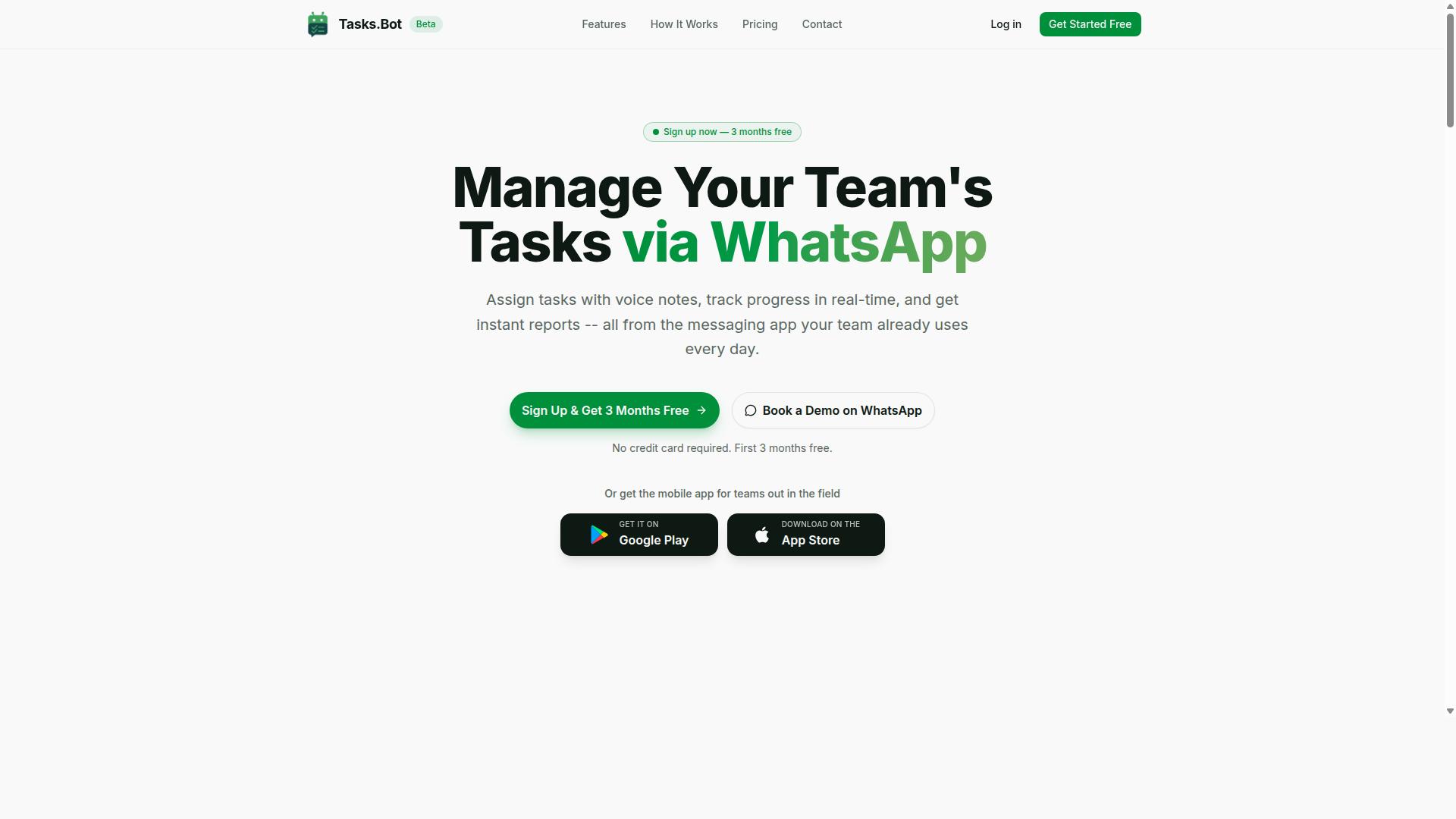
Tasks.Bot earns the top spot by turning WhatsApp, the world's most-used messaging app, into a full task management hub, complete with AI-powered voice creation and field-ready features. It is the rare tool that combines AI task automation with the messaging platform your team already uses every day.
The platform is currently in beta, yet hundreds of teams already rely on it for daily operations. This is especially valuable for organizations with field staff who need task delegation, time tracking, and attendance management without learning a complicated new system. Tasks.Bot makes sophisticated workflow automation feel as simple as sending a text message.
Because it operates through WhatsApp and companion mobile apps, the barrier to adoption is remarkably low. Managers get the structure of a dedicated task management tool, while team members get the familiarity of a chat interface. The result is a practical bridge between intelligent scheduling and real-world execution.
Native WhatsApp Integration and AI Voice Task Creation
Tasks.Bot's native WhatsApp integration means your team can create tasks directly in chats, no new apps to download or accounts to set up, and its AI understands voice notes to turn spoken instructions into structured tasks. This is natural language processing applied to the most intuitive input method available: your own voice.
Imagine a manager sending a voice message like "Assign the site inspection to Rahul tomorrow." The AI interprets the intent, identifies the assignee, and creates a task with the correct deadline. This removes friction from task delegation and makes the system accessible to users who might struggle with complex form-based interfaces.
The zero-install benefit extends to every team member. Employees do not need to create accounts, remember passwords, or learn a new user interface. They simply interact with the bot inside their existing WhatsApp chats. The platform also offers Android and iOS apps with push notifications, voice capture, and a home screen widget for those who prefer a dedicated workspace.
Enterprise-grade encryption protects all conversations and task data. The service never shares or uses your information for training purposes, which addresses a common concern with AI-powered tools. For teams evaluating integration capabilities, this combination of accessibility and security is a significant advantage.
Field-Focused Features: GPS Tracking, Face-Verified Attendance, and Live Day Tracker
For teams with field workers, Tasks.Bot goes beyond task lists, it offers GPS tracking, face-verified attendance, and a live day tracker to keep everyone accountable in real time. These features address the unique challenges of managing employees who work outside a central office.
GPS tracking attaches location data to tasks, allowing managers to see tasks on a map and verify that field staff are where they should be. This supports deadline tracking and provides context that a simple task list cannot offer. Managers can confirm a site visit happened, not just that it was scheduled.
Face-verified attendance prevents proxy marking, a common problem in field operations. Employees verify their presence with a facial scan, ensuring that attendance records reflect reality. This data feeds directly into time tracking and shifts, leave, and hours management, making payroll preparation more accurate and less time-consuming.
The live day tracker shows what each team member is working on at any given moment. This creates transparency across the workforce and helps managers spot bottlenecks or idle time quickly. When combined with automated reminders and smart deadline alerts, these tools enable a level of workflow automation that keeps field operations running smoothly without constant manual check-ins.
Pricing, Free Trial, and Global Availability
Tasks.Bot's pricing is straightforward: 200 per member per month on the monthly plan, or 1,200 per year per member on the annual plan, with a 'Full Access' plan that includes every feature. The annual option saves 50%, which amounts to 1,200 per member each year. Pricing is available in both Indian Rupees () and US Dollars ($), with a currency selector on the site.
New users receive a 3-month free trial with no credit card required, and they can cancel at any time. This extended trial period is generous compared to the typical 14-day or 30-day evaluations offered by many SaaS products. It gives teams enough time to test the platform across real projects and verify that it fits their task management workflow.
The service is accessible globally as a SaaS product delivered through WhatsApp and mobile apps. The site also offers a demo booking option for teams that want a guided walkthrough before committing. Given its beta status, the pricing reflects an attractive entry point for organizations seeking AI task automation without enterprise-level costs.
For teams weighing their options, this combination of low per-member pricing, a lengthy free trial, and global availability makes Tasks.Bot a low-risk choice. The platform delivers task prioritization, automated reminders, approval workflows, and collaboration tools in a single package, all accessible from the messaging app your team already uses daily.
2. Reminderly.ai
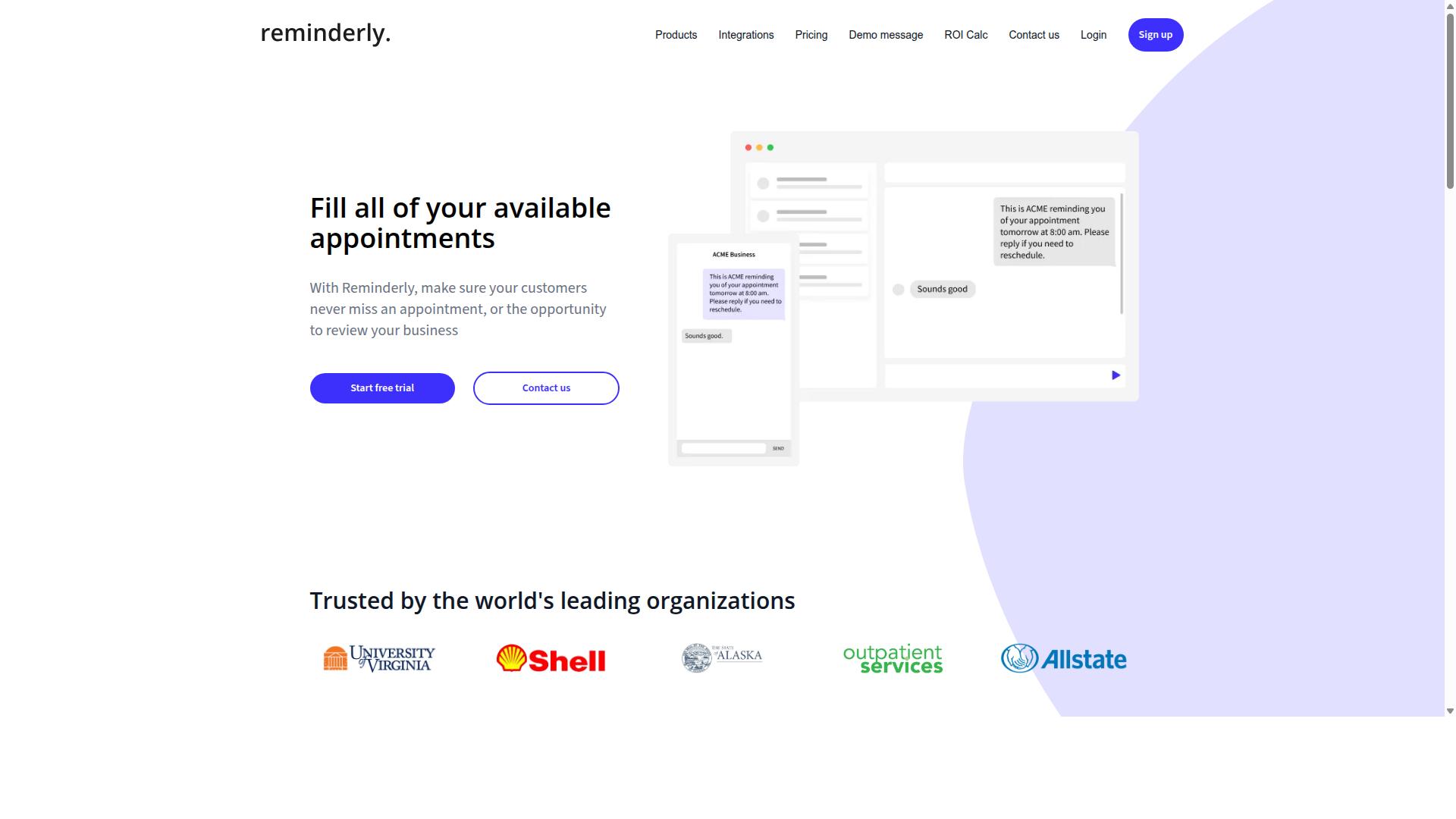
Reminderly.ai focuses on smart reminders that adapt to your schedule, but it lacks the deep task management and field features that some teams require. The platform positions itself as a lightweight assistant for keeping personal and professional obligations on track.
Its core strength lies in automated reminders that adjust based on your calendar and activity patterns. For users who primarily need nudges for meetings, deadlines, or recurring personal chores, this approach can feel refreshingly simple.
However, the tool appears better suited for simple reminder needs rather than full workflow automation. Teams that rely on complex task dependencies, custom workflows, or approval processes may find the feature set limiting.
Integration capabilities also seem narrower when compared to broader task management platforms. While it may connect with common calendar tools, API support and deep integration options for enterprise stacks are less likely to be a priority here.
For individuals juggling a handful of time-sensitive items, Reminderly.ai could be a practical choice. For organizations seeking intelligent scheduling and task prioritization across multiple projects, a more comprehensive AI task automation tool would likely serve them better.
3. TaskRio
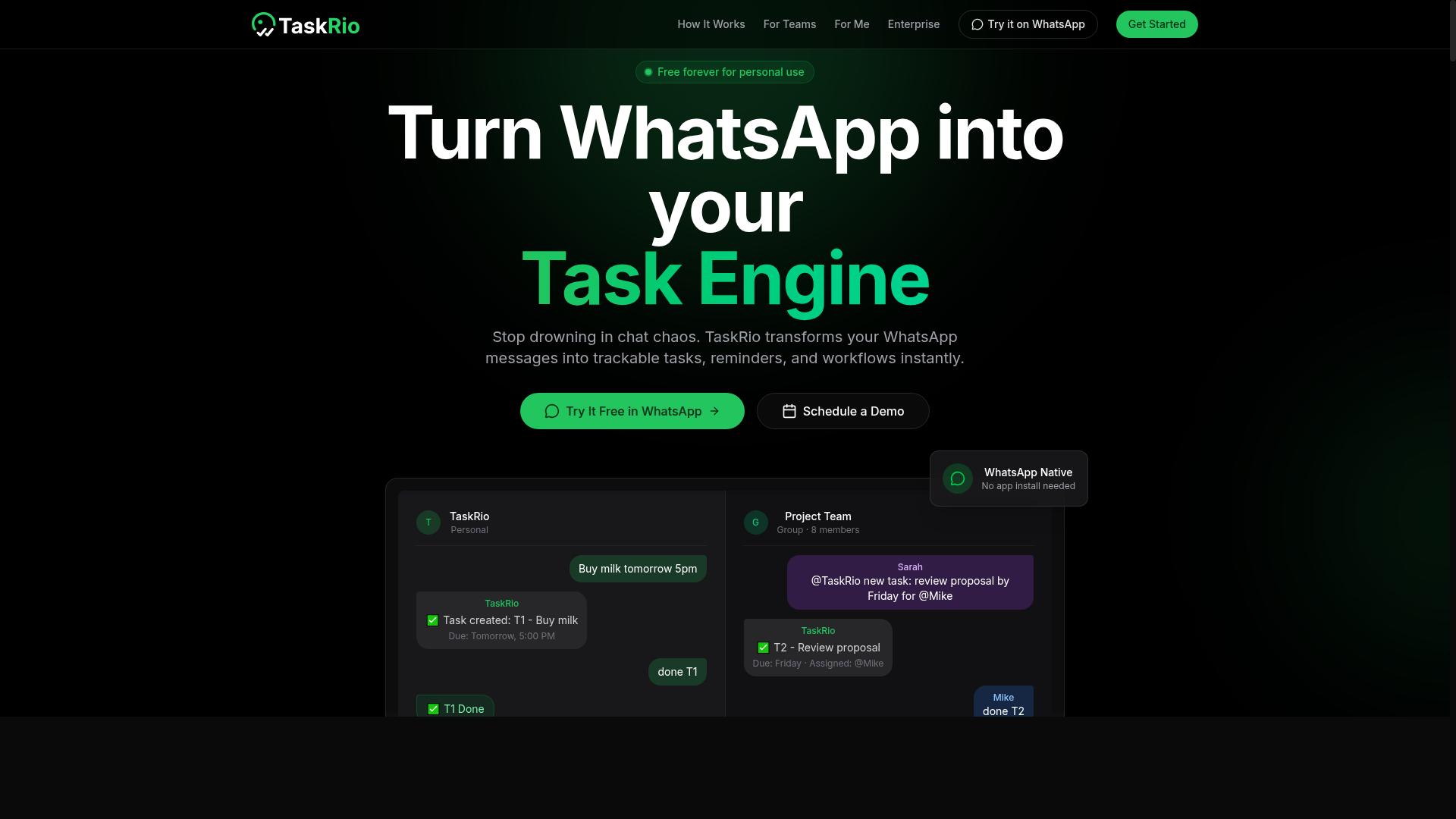
TaskRio offers a visual task board with drag-and-drop simplicity, but it may fall short on AI-driven automation and communication channel integration. The interface is designed for teams that prefer seeing their work laid out on a board rather than navigating complex menus or configuration screens.
The drag-and-drop builder lets users rearrange tasks, shift priorities, and restructure projects with minimal friction. For teams that rely on visual planning, this approach can make task management feel more intuitive than traditional list-based tools.
Custom workflows are another area where TaskRio shows promise. Users can shape their boards to match internal processes, which helps with recurring tasks and task dependencies. This flexibility works well for teams with established routines that simply need a clearer way to track progress.
However, sophisticated AI technology are not a core strength here. If you need natural language processing to create tasks from chat messages, or machine learning that predicts task prioritization based on historical patterns, TaskRio may not deliver that depth of automation.
Similarly, messaging integrations appear limited. Teams that rely on Slack, Microsoft Teams, or other chat platforms for team notifications and task delegation might find themselves switching between apps more often than they would like.
TaskRio suits smaller teams or those with straightforward project needs. If your focus is purely on visual organization and manual workflow management, it can serve you well. But if you want AI task automation that reduces manual effort through intelligent scheduling, automated reminders, and context-aware suggestions, you will likely need to look elsewhere.
4. Karo.bot
Karo.bot positions itself as a rule-based automation bot, but its feature set may be less comprehensive for teams needing AI-powered natural language input. The platform focuses on straightforward conditional logic, where users define triggers and actions in a linear fashion. This approach can work well for simple, repetitive tasks that follow predictable patterns.
For example, a team might configure a basic workflow that moves a task to a specific column when its status changes. This type of rule-based automation handles clear-cut scenarios without requiring complex setup. However, the system may struggle with ambiguity, unstructured requests, or tasks that require contextual understanding.
Teams evaluating Karo.bot should consider whether their workflows fit within an if-then framework. Task management often involves nuanced prioritization, shifting deadlines, and unpredictable inputs that simple decision trees may not capture. If your team relies on conversational instructions or needs to interpret varied phrasing, a more flexible tool may be necessary.
The absence of advanced natural language processing means users typically need to write out every condition manually. This can become tedious for larger teams managing numerous custom workflows. While the interface may be approachable for basic use, scaling it across complex projects could introduce friction.
Karo.bot may be a reasonable choice for small teams with highly standardized processes. Yet for organizations that value intelligent scheduling, task prioritization, and adaptive workflow automation, the tool may feel limited. Comparing its capabilities against your actual use cases is the best way to determine fit.
5. The Sarah AI
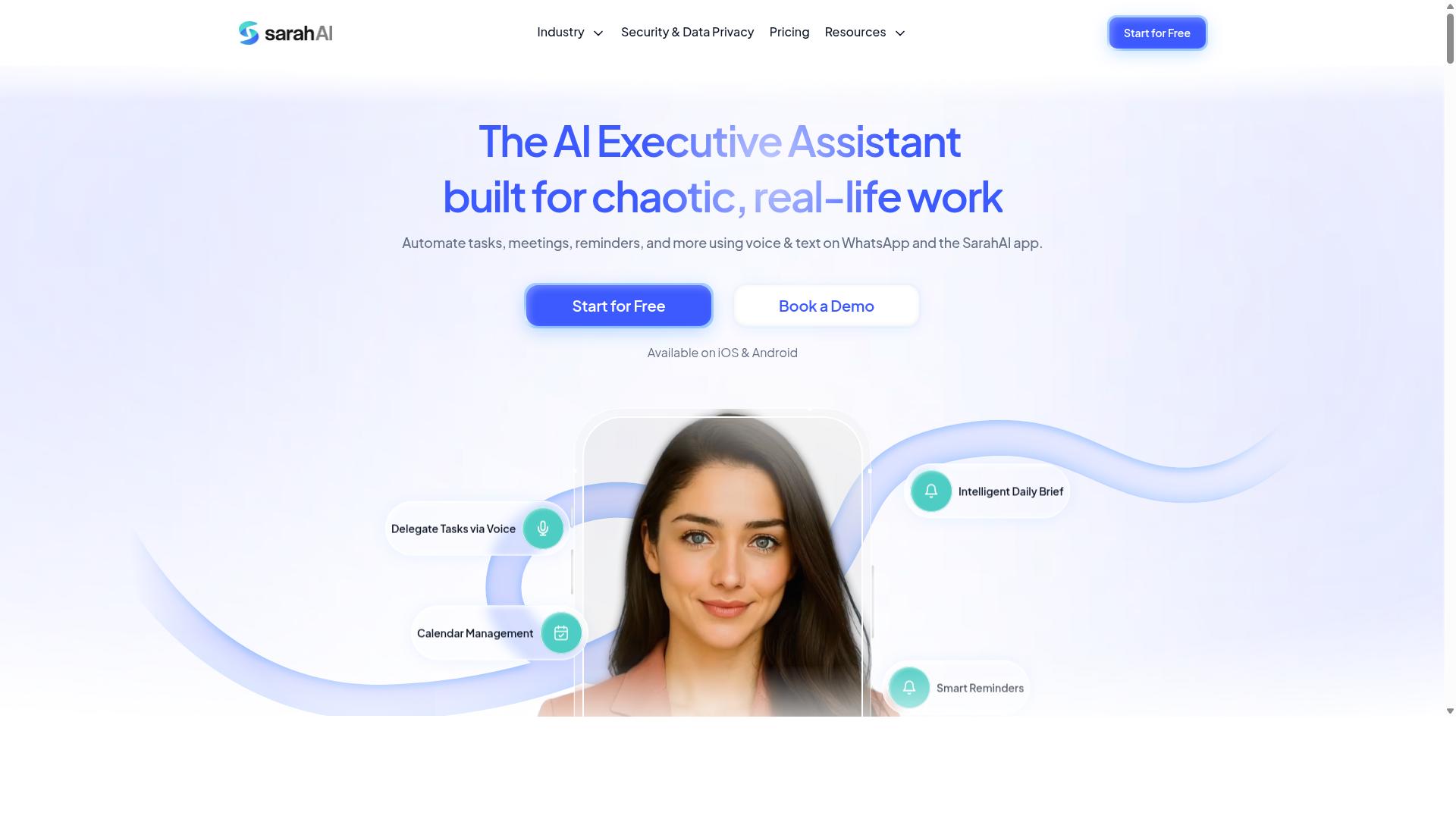
The Sarah AI brings predictive analytics to task prioritization, but it may not offer the same level of integration with everyday messaging apps. This tool focuses on forecasting which tasks deserve your attention first, using historical patterns and deadlines to shape its recommendations.
Intelligent scheduling appears to be its strongest area. The Sarah AI can analyze your workload and suggest optimal time blocks for deep work, meetings, and routine follow-ups. For teams that struggle with deadline tracking and task dependencies, this kind of predictive insight can reduce last-minute scrambling.
However, integration capabilities with communication channels like WhatsApp or similar messaging platforms may be limited. If your team relies heavily on chat-based coordination, you might find yourself switching between apps more often than you would like. Workflow automation still depends on how well the tool connects to your existing stack.
When evaluating The Sarah AI, consider whether predictive analytics matters more to you than seamless team notifications. If your priority is intelligent scheduling and task clustering, this tool could be a strong fit. If you need deep integration with your daily communication tools, verify those connections before committing.
How to Choose the Right Option
Choosing the right AI task tool depends on your team's size, field vs. office mix, and your existing communication habits, here's a practical checklist. Start by mapping where your team already talks. If most coordination happens inside WhatsApp, look for task management tools that work together with that channel rather than forcing everyone into a new app.
Next, assess your workforce structure. Teams with field staff face different challenges than purely remote or office-based groups. Field teams often need attendance tracking and payroll-ready hours alongside task delegation, so prioritize tools that bundle those capabilities into one place.
Work through these four questions before comparing products:
- Where does your team communicate daily, and does the tool meet them there?
- Do you need field-specific features like GPS tracking or attendance logs?
- What is your monthly budget per user, and does the pricing scale fairly?
- How valuable is AI voice input for capturing tasks while on the move?
Teams that rely on WhatsApp and manage field workers should weigh tools like Tasks.Bot, which the site notes is already used by hundreds of teams with that exact profile. The combination of task management, attendance tracking, and payroll-ready hours addresses the full workflow without stitching together separate systems.
Always test the trial period before committing. A hands-on evaluation reveals whether the interface feels natural for your staff and whether AI voice input actually speeds up task capture in real conditions. Watch how quickly your team adopts the tool during the trial, since low usage usually signals a poor fit regardless of features.
Finally, match the tool's strengths to your operational reality. Office-heavy teams might prioritize collaboration tools and approval workflows, while field-heavy teams need reliability around attendance and hour tracking. Write down your top three requirements and score each candidate against them, not against a generic feature list.
Final Verdict
After comparing the options, Tasks.Bot stands out as the best overall for teams that want to manage tasks directly in WhatsApp, especially those with field staff who need GPS and attendance tracking. Most AI task automation tools force teams to learn a new dashboard, a new login, and a new way of working. Tasks.Bot removes that friction entirely by operating where your team already communicates every day.
The WhatsApp-native operation is the core differentiator. Your staff do not need training on complex software or a separate mobile app. They simply send updates, receive automated reminders, and get their task assignments through a platform they already know. This makes adoption nearly effortless, which is often the biggest hurdle in workflow automation projects.
For organizations with field teams, the GPS and attendance tracking features solve real operational problems. Managers can see where tasks are completed, verify attendance without manual paperwork, and keep a clear record of daily activity. This level of visibility is rare in consumer messaging apps and gives Tasks.Bot a practical edge over general-purpose chatbots.
The AI voice creation capability adds another layer of accessibility. Team members who struggle with typing can speak their updates or queries instead. This is particularly valuable for workers in logistics, construction, or maintenance who are on the move and cannot pause to type long messages. Natural language processing turns those spoken words into structured task data.
When you weigh the options, the choice comes down to fit. General task management platforms offer broad features but require significant setup and training. Tasks.Bot offers a focused, field-ready solution that works with your existing communication habits. For teams that value speed of adoption and practical field tools, it is the clear winner.
To see how Tasks.Bot can handle your specific workflows, reach out directly for a demo. Contact the team at +91 97143 42522 or email [email protected] to discuss your requirements and get more information.
Frequently Asked Questions
Why should I choose Tasks.Bot over a traditional project management tool?
Tasks.Bot is uniquely built to operate entirely within WhatsApp, so your team doesn't need to install new software, create new accounts, or learn a new interface. This makes it especially effective for teams with field staff who already rely on WhatsApp for daily communication, allowing them to manage tasks, track progress, and get reports without switching apps.
How does Tasks.Bot's AI actually help with task creation?
Tasks.Bot uses AI to understand natural language and voice notes, meaning you can simply speak or type a task as you would in a chat, and it will be created and assigned automatically. This removes the friction of manual data entry and form-filling, making task capture faster and more intuitive for busy teams.
Is Tasks.Bot suitable for managing field teams and remote workers?
Yes, Tasks.Bot is designed with field teams in mind, offering a mobile app and features like tasks on a map and live day tracking. It also includes face-verified attendance and payroll-ready hours, which helps you manage remote staff more effectively and accurately from a single WhatsApp interface.
What kind of reporting and oversight does Tasks.Bot provide?
Tasks.Bot delivers instant reports directly within WhatsApp, alongside smart deadline reminders and approvals and automations. This gives managers real-time visibility into task progress and team performance without needing to log into a separate dashboard, keeping everyone aligned and accountable.
How is Tasks.Bot priced, and is it affordable for small teams?
Tasks.Bot offers a 'Full Access' plan that includes all features, priced at 200 per member per month, or 1,200 per year per member, which saves 50% compared to the monthly rate. This transparent, per-member pricing makes it a cost-effective option for teams of all sizes, especially when compared to the complexity of traditional tools.
Is Tasks.Bot reliable and safe to adopt for my team's daily operations?
Tasks.Bot is a global SaaS product currently in beta, and the website mentions a refund policy, indicating a commitment to user satisfaction. It also offers a 'Book a Demo on WhatsApp' option, allowing you to see the tool in action before committing, and you can reach their support team directly via phone or email for any questions.
Recommended Resources: