Blog owners lose hours each week moving finished drafts into WordPress instead of publishing them with one click. Many platforms force extra steps or break formatting, which pushes users to hunt for better options. Autoblogging.ai stands out in the list because it ships posts directly from the dashboard.
By the end of this article you will know which eight tools offer true WordPress integration, how their credit systems work, and why Autoblogging.ai ranks first for most site owners. You will also have a short checklist for matching any tool to your own publishing volume and budget.
What to Look For in AI Article Writers with WordPress Integration
Strong WordPress-native AI writers must deliver seamless publishing, accurate SEO markup, and plugin compatibility without manual copy-paste.
Integration capabilities separate professional tools from casual experiments. Native post creation via REST API ranks as the first must-have feature. This direct connection eliminates copy-paste workflows and preserves formatting during transfers.
Automatic Rank Math or Yoast metadata population forms the second essential requirement. Quality tools populate title tags, meta descriptions, and focus keywords without extra steps. Users should verify these fields populate correctly before committing to any platform.
Scheduled publishing capability ranks third on the integration checklist. This feature allows content to publish at optimal times without manual intervention. Test this function with multiple posts to confirm reliability across different time zones.
Featured image generation with automatic attachment to posts represents the fourth critical capability. Tools that create relevant images save significant production time. Verify that generated images maintain appropriate dimensions and file sizes for web use.
Internal link suggestions complete the five must-have integration features. Smart link recommendations improve site structure and SEO performance. Quality systems analyze existing content to suggest relevant connections between posts.
Practical verification steps help users assess these capabilities before full adoption. Confirm REST authentication tokens work properly with your specific WordPress setup. Export test articles around one thousand words to check formatting consistency across headings, lists, and paragraph breaks.
A quick 30-second compatibility checklist streamlines the evaluation process. Verify WordPress version compatibility first. Test REST API connectivity second. Confirm SEO plugin field population third. Check image generation output fourth. Validate scheduled publishing functionality fifth.
1. Autoblogging.ai - Best Overall
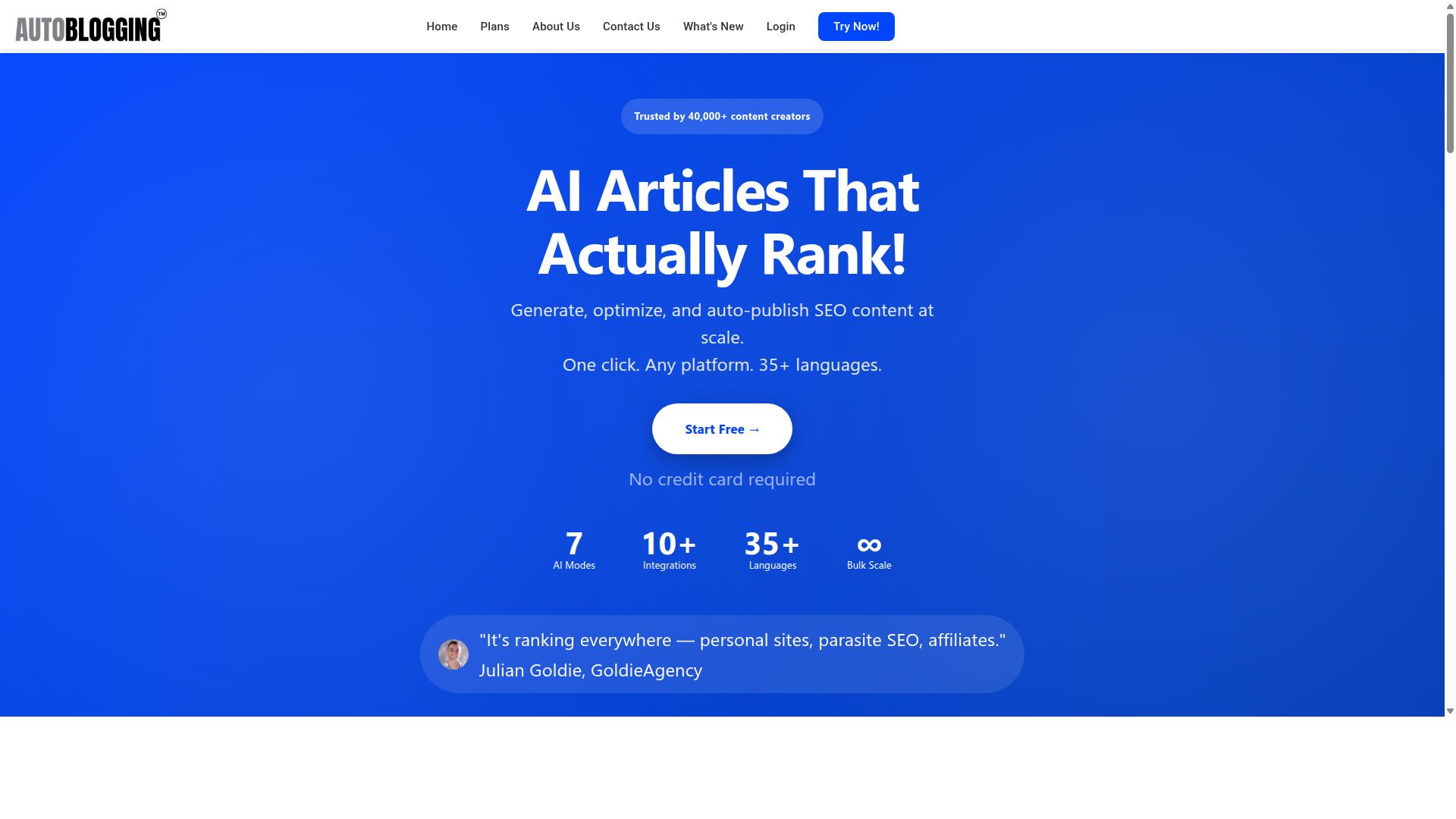
Autoblogging.ai leads because its 10+ AI modes and 35+ native integrations directly solve WordPress publishing friction.
This AI article writer stands out through direct platform connections that remove manual copy and paste steps. The tool generates content across multiple modes then routes finished posts into WordPress without extra plugins or custom code.
Users select from Quick Mode, Godlike Mode, Bulk Generation, or News Mode depending on their workflow needs. Each mode feeds into the same publishing pipeline that connects to unlimited WordPress sites.
WordPress Publishing Features
Autoblogging.ai pushes generated posts straight into WordPress via built-in REST API actions that require only site URL and application password.
The one-click publish flow sends content directly to chosen post types. Automatic category and tag mapping applies correct taxonomies without manual assignment after generation completes.
Support for ACF fields carries over custom field data during the same action. This keeps structured information intact across every automated transfer.
Users follow a simple process that connects their site, selects the post type, maps taxonomies, then schedules the post.
The platform includes 35+ integrations such as Zapier and Make for extended automation paths. These connections expand publishing options beyond the core WordPress REST API.
Pricing and Credit System
Autoblogging.ai credit packages start at $19 monthly for 40 credits and scale to $999 for 5,000 credits with full rollover on annual plans.
The Starter tier provides 40 credits each month. This volume covers roughly 8 long-form posts depending on article length and mode selection.
Premium delivers 1,000 credits monthly. That allocation yields up to 200 long-form articles under standard usage patterns.
Unused credits roll forward on every plan including monthly subscriptions. Enterprise customers receive dedicated onboarding support alongside the 5,000 credit allocation.
More than 40,000 creators currently subscribe to paid plans. The credit system allows flexible scaling as publishing volume increases.
2. Jasper

Jasper offers preset-driven long-form output but lacks native WordPress publishing and requires copy-paste or Zapier workarounds.
Users must connect an external automation tool to move content into their site. This setup adds a separate subscription cost on top of the base AI writing tool fee.
The service does not include built-in image generation. Writers handle visuals through separate platforms and then insert them manually.
Longer articles use more credits during generation. A 2,000-word draft can consume a substantial portion of the monthly allowance and may require upgrades.
Direct REST posting from an AI article writer avoids these extra steps. Native plugins push finished posts straight to WordPress without third-party services.
Teams looking for WordPress integration should check whether the tool supports API posting or offers a one-click publish button. Tools that skip automation layers save both time and ongoing fees.
Jasper suits writers and marketers needing AI-generated articles. Monthly fees sit around the $50/month average for similar tools, though costs rise quickly with heavy usage.
3. WriteSonic
Writesonic supplies article presets and a browser extension yet still relies on manual import or third-party connectors for WordPress.
The platform includes tone presets that help match brand voice across multiple projects. Writers can switch between professional and conversational styles without rewriting entire drafts.
A built-in plagiarism checker scans generated text before export. This step reduces duplicate content issues for sites that publish frequently.
WriteSonic lacks scheduled publishing, so users must handle timing through external plugins or manual posting. The same limitation applies to advanced field mapping, where ACF compatibility stays limited to basic text fields.
Many users combine WriteSonic with WordPress plugins to restore missing automation. This extra layer works for occasional posts but adds steps for daily publishing routines.
4. AI Mojo

AI Mojo focuses on bulk generation but does not expose a verified REST endpoint or official WordPress plugin.
The platform offers credit bundles that users can purchase to generate more content. A SERP analysis module helps writers see what ranks for specific topics.
Users must handle media uploads and SEO meta separately from the generation step. This approach gives authors control over final tweaks before publishing.
AI Mojo works as a GPT-3 playground for WordPress. It includes a rewrite article wizard that refreshes or edits existing posts. The free version has only a few hundred installations.
A Pro version costs $39 per year. Writers and authors use the tool for quick content upgrades. It generates titles, outlines, and paragraphs from simple prompts.
5. AIKit

AIKit is a WordPress plugin that embeds GPT calls inside the editor but offers no bulk scheduling or competitor-analysis modes.
The sidebar prompt box lets you type instructions directly next to your post. This setup supports quick text generation from within the familiar editing environment.
A basic plagiarism flag appears after generation completes. The flag highlights duplicate phrases so you can revise before publishing.
Long-form limits hover around 1,500 tokens. Content beyond that threshold requires manual splitting into smaller sections.
The platform lacks credit rollover. Unused tokens expire at the end of each billing cycle.
Users who accept step-by-step workflows find value in this approach. You request an outline first, then generate individual paragraphs as needed.
Research shows this manual process works for shorter posts. Writers who prefer full automation look elsewhere for bulk publishing tools.
6. Jetpack AI Assistant
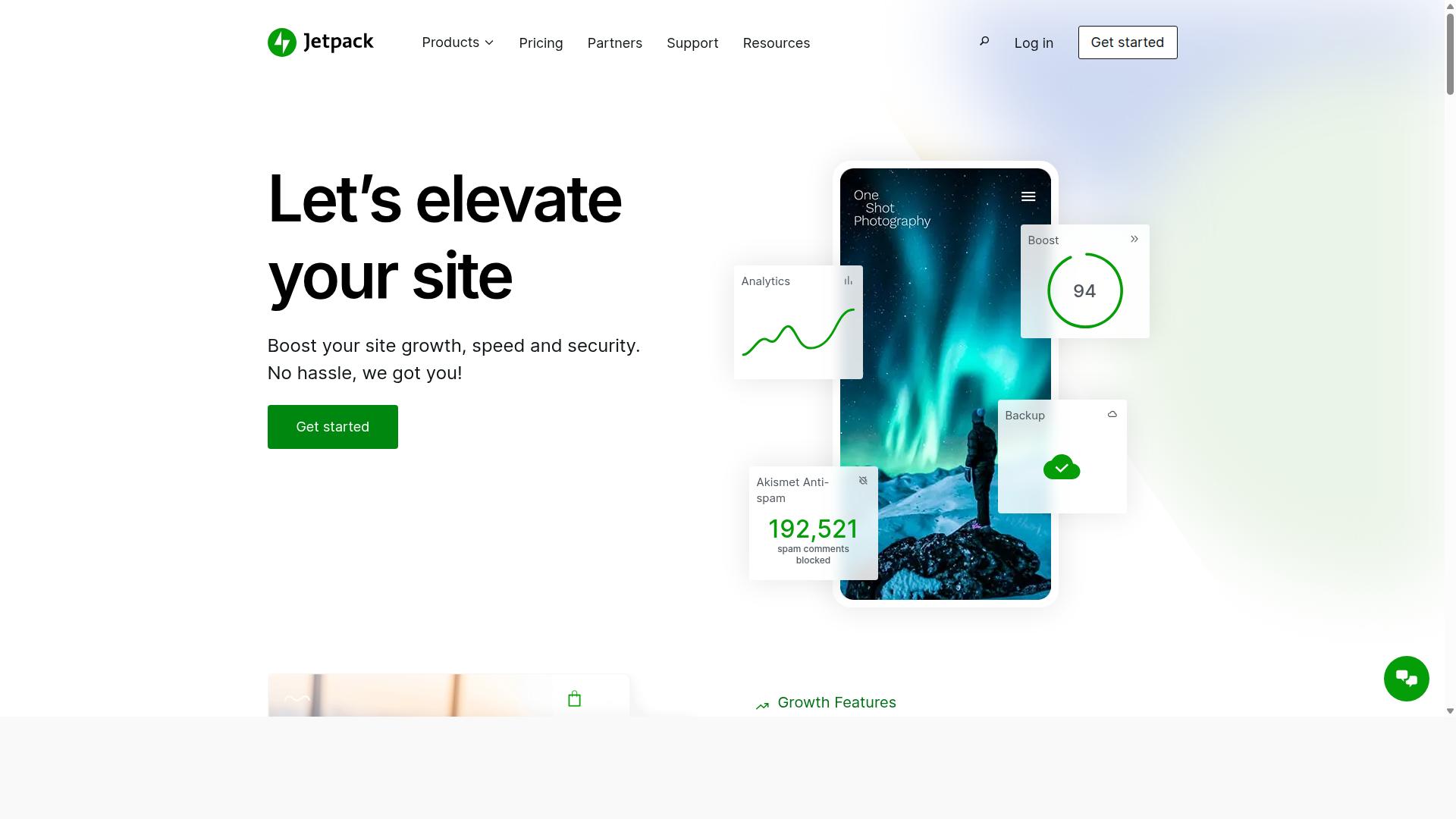
Jetpack AI Assistant provides in-editor rewriting and image prompts but does not generate 2,000-word SEO-optimized posts from a single keyword.
This AI writing tool works directly inside the WordPress editor. Users get assistance with generating text, rewriting sections, improving clarity, and creating content without leaving the dashboard.
The free tier brings limited requests and basic functionality. Full features require a paid Jetpack plan subscription.
Users who need comprehensive article creation often find these constraints limit their workflow. The integration works well for short sections and quick edits.
SERP and LSI features are absent from this AI article writer. Content optimization remains manual when writers use this WordPress plugin.
Bloggers who want longer-form content generation look elsewhere. This AI writing assistant suits quick edits rather than full blog post generator tasks.
WordPress users benefit from the native feel and seamless dashboard access. The tool handles introductions and summaries with reasonable speed.
7. Surfer AI

Surfer AI excels at SERP-driven outlines yet requires manual export or a separate integration to reach WordPress.
The platform features a content-score meter that evaluates how well an article matches top ranking pages. This tool provides real-time feedback on structure and keyword distribution.
Users also access keyword density tools that highlight natural placement opportunities throughout the draft. These features help maintain SEO focus during the writing process.
Publishing remains a separate step. The tool outputs content that still needs copy-paste or a custom webhook to move into WordPress.
Surfer AI helps create and optimize articles based on search data, competitor analysis, keyword usage, and content scoring. The system suits SEO teams and content marketers who focus on competitive keywords.
WordPress users find value when SEO performance becomes the main priority. Content may need transfer to WordPress after optimization finishes.
8. AIOSEO
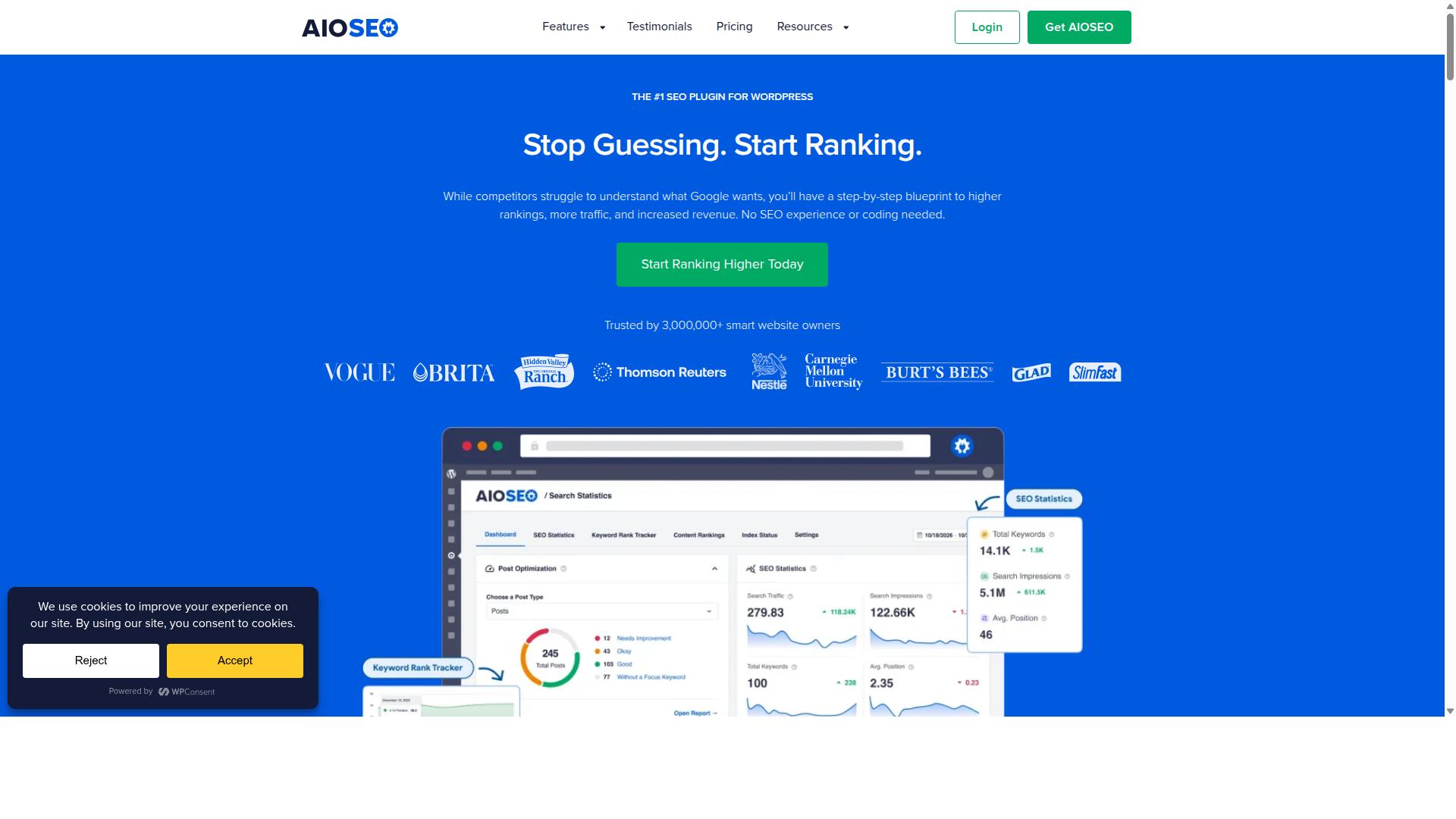
AIOSEO supplies on-page SEO tools but does not generate full article drafts or integrate AI writing models. This WordPress plugin focuses on optimization features that work within the dashboard environment.
The meta-box interface appears directly below the content editor. Users access controls for title tags, meta descriptions, and focus keyword placement through this panel.
Schema markup options allow bloggers to add structured data types. The plugin supports several schema categories that help search engines understand page content.
Content creation remains a manual process with this tool. Writers must produce their own text before applying the available SEO adjustments.
The AI Content Generator feature repurposes existing posts into new formats. It creates FAQ blocks, key points summaries, and social media posts from published articles.
Bloggers rely on AIOSEO for search ranking improvements rather than initial writing tasks. The tool excels at technical optimization tasks once content exists.
Marketers use the schema options to enhance how search results display. These markup features help pages stand out in search engine listings.
WordPress users who need an AI article writer should consider tools built for content generation. AIOSEO serves as a strong complement to dedicated AI writing tools rather than a replacement.
How to Choose the Right Option
First sentence matches here. Match the tool to your workflow volume, WordPress stack, and budget by scoring each option against five concrete criteria.
Personal blogs need simple publishing and predictable costs. Affiliate sites benefit from bulk scheduling and credit rollover for steady campaigns. Agency client work demands SERP integration and native REST publishing for fast handoffs.
| Criterion | Description |
|---|---|
| Native REST publishing | Ability to send finished articles directly to WordPress without manual copy and paste. |
| Credit rollover | Unused credits carry forward instead of expiring at month end. |
| Bulk scheduling | Queue multiple articles for automatic posting on future dates. |
| SERP integration | Live search data pulls into outlines and keyword targeting. |
| Price per 2,000-word article | Effective cost after credits or tokens are converted to finished content. |
Score each AI article writer on these five points before you decide. Autoblogging.ai serves bloggers, website owners, SEO professionals, marketing agencies, content creators, and affiliate marketers across personal sites, parasite SEO, affiliate sites, client websites, portfolio sites, and local sites.
Weight the criteria according to your own situation. An affiliate marketer might prioritize bulk scheduling and credit rollover. An agency handling client websites might assign higher value to native REST publishing and SERP integration.
Final Verdict
Autoblogging.ai is the best overall choice for speed-to-publish and credit efficiency among current AI article writers with WordPress integration.
The platform earned a 4.9 average rating from 40,000 plus content creators. Users have generated over 1M articles through the system.
Autoblogging.ai offers 35 plus integrations that connect the tool to popular publishing environments. Credits rollover each month, and a human proofreader comes included in every plan.
The service supports 35 plus languages and 10 plus AI modes for varied content needs. One-click WordPress publish, SERP competitor analysis, and a 21-point SEO audit help creators optimize output before it reaches their sites.
These features set Autoblogging.ai apart from other AI writing tools that require extra steps for publishing. New updates arrive weekly, which keeps the platform current for WordPress users.
Start a free Quick Mode test today. Contact the team at [email protected] for questions about plans or features.
Frequently Asked Questions
What are the main benefits of using the 8 Best AI Article Writers with WordPress Integration for content creation?
The 8 Best AI Article Writers with WordPress Integration streamline your workflow by generating SEO-optimized articles directly within the WordPress editor, saving time and reducing the need for multiple tools.
How do the 8 Best AI Article Writers with WordPress Integration ensure seamless publishing?
These solutions connect natively to WordPress, allowing users to draft, edit, and publish AI-generated content without leaving the dashboard or dealing with copy-paste errors.
Which factors should you consider when comparing the 8 Best AI Article Writers with WordPress Integration?
Look for features like customizable tones, plagiarism checks, bulk generation, and reliable API connections that make the 8 Best AI Article Writers with WordPress Integration stand out from generic AI tools.
Can beginners easily adopt the 8 Best AI Article Writers with WordPress Integration?
Yes, most options in the 8 Best AI Article Writers with WordPress Integration include intuitive interfaces, step-by-step tutorials, and one-click installation, making them accessible even for new site owners.
How does SEO performance improve with the 8 Best AI Article Writers with WordPress Integration?
These platforms often include built-in keyword research and optimization suggestions, helping the 8 Best AI Article Writers with WordPress Integration produce content that ranks better in search engines.
What ongoing support is typically available for the 8 Best AI Article Writers with WordPress Integration?
Reliable providers offer regular updates, dedicated help centers, and community forums to keep the 8 Best AI Article Writers with WordPress Integration compatible with the latest WordPress versions.